
Download TripYara for Android
Plan your trip in minutes and keep the plan on your phone for the stretches where the network drops.
Free · Android 8.0 and later
- 1. Tap Get it on Google Play and install.
- 2. Create your account with your mobile number.
- 3. Tap + to create your first trip.
- 4. Open the trip once while connected to keep it offline.
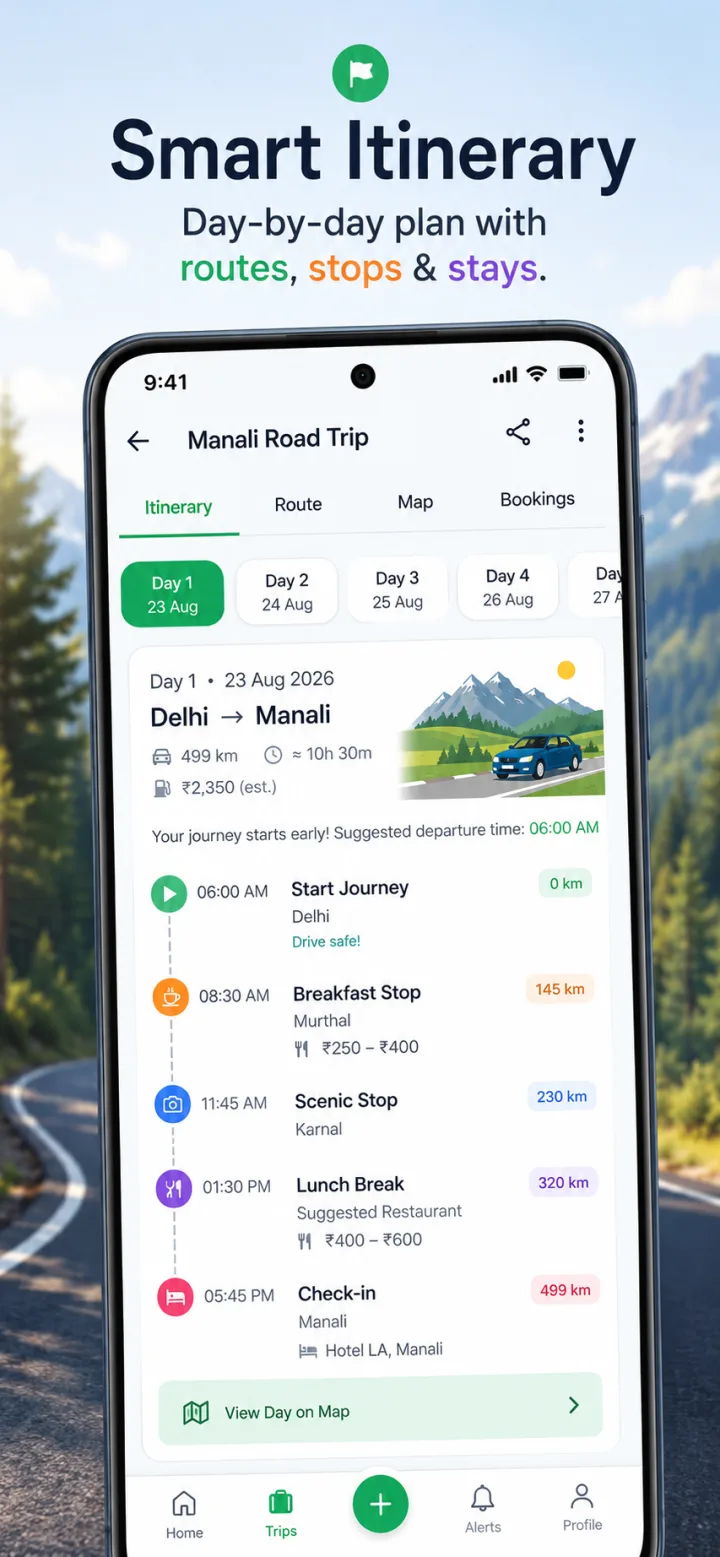
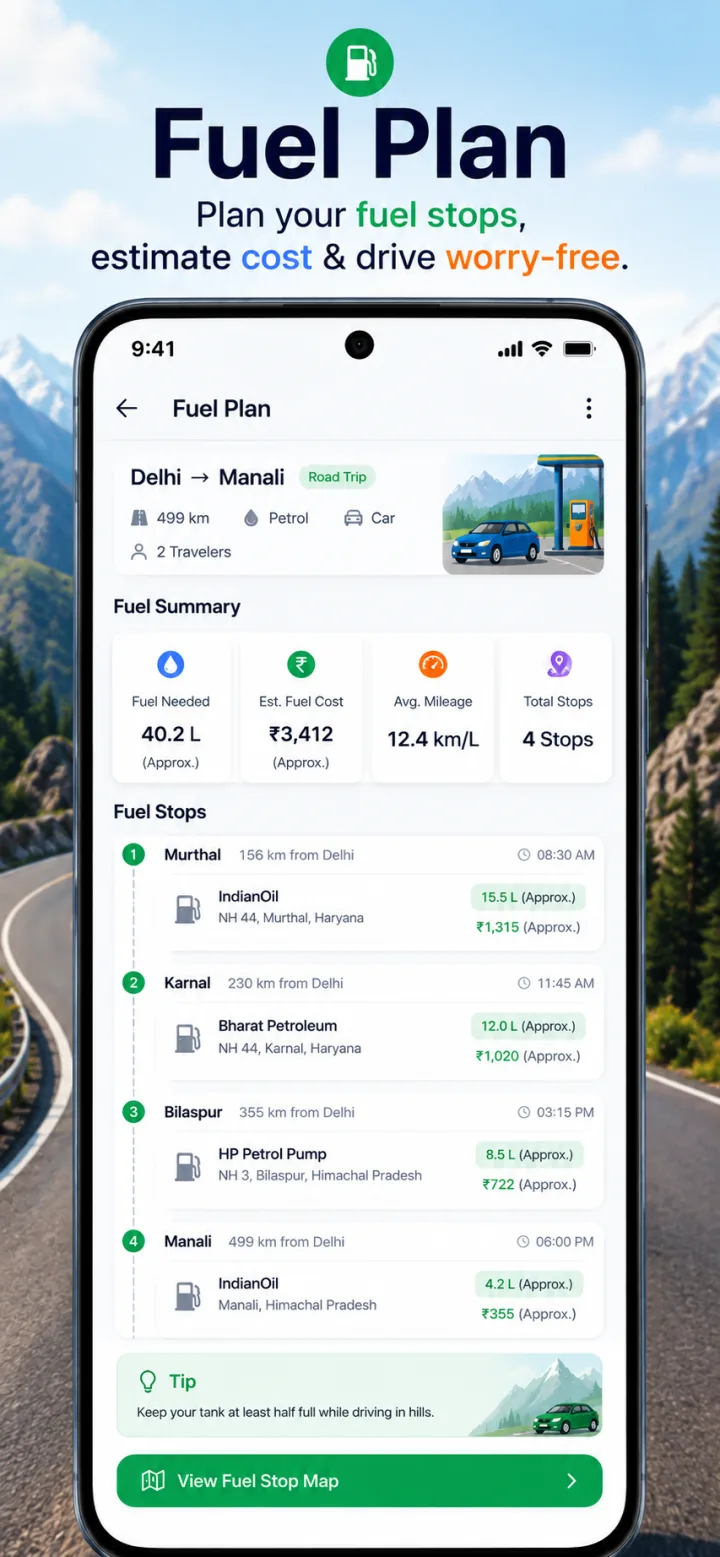
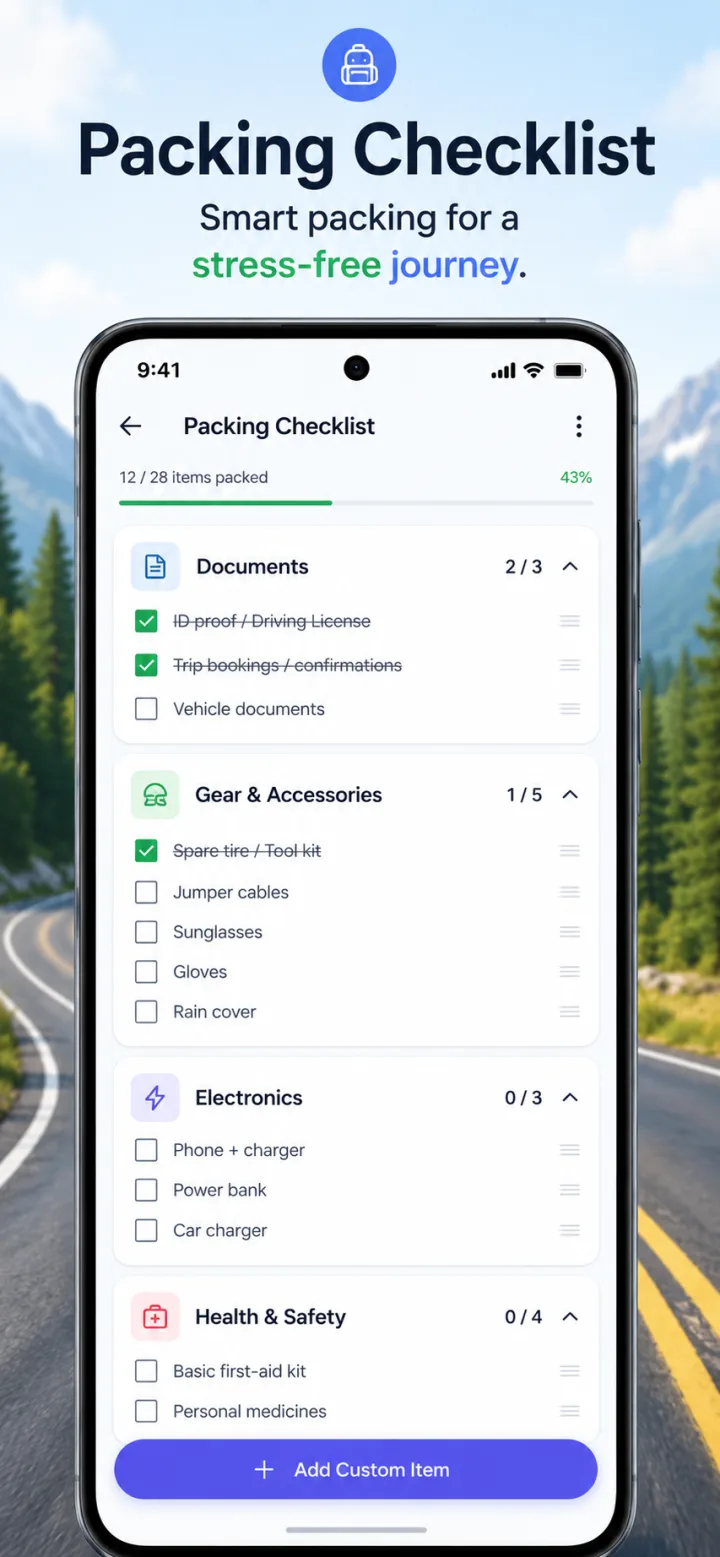
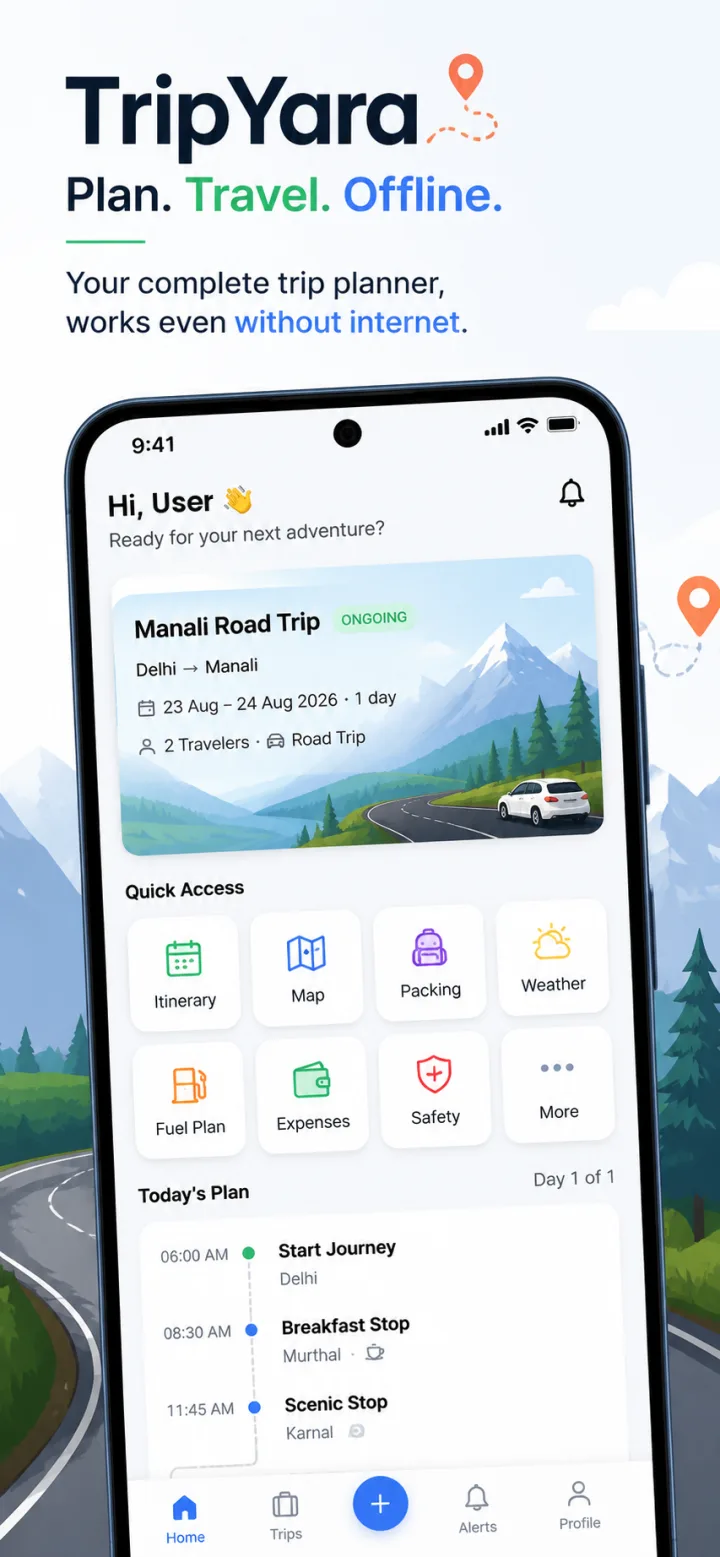
Inside the app
App questions
- Which devices are supported?
- Android phones running Android 8.0 or later. TripYara is not available on iPhone yet.
- How much does it cost?
- TripYara is free. There are no in-app purchases or bookings at the moment.
- Which permissions does it ask for?
- Location, only when you use a location-based feature; notifications, if you want trip and weather alerts; and physical activity, only if you use the step-tracking feature. Each is optional and requested when you first use the feature.
- What works offline?
- After you open a ready trip while connected, the itinerary, day plan, route details and your emergency contacts are saved on your phone. Creating trips, live weather, place search, map tiles and traffic need internet.
- How long can a trip be?
- Up to 21 days.
- Does it use much data?
- Generating a trip and loading maps use data. Saved trips open from your phone without using data.