
App feature
Offline Trips
Your plan stays with you when the signal doesn't.
Mountain highways, national parks and long rural stretches often have patchy or no mobile data. TripYara is built around a simple idea: use the internet to prepare the trip, not to complete it.
Saved automatically
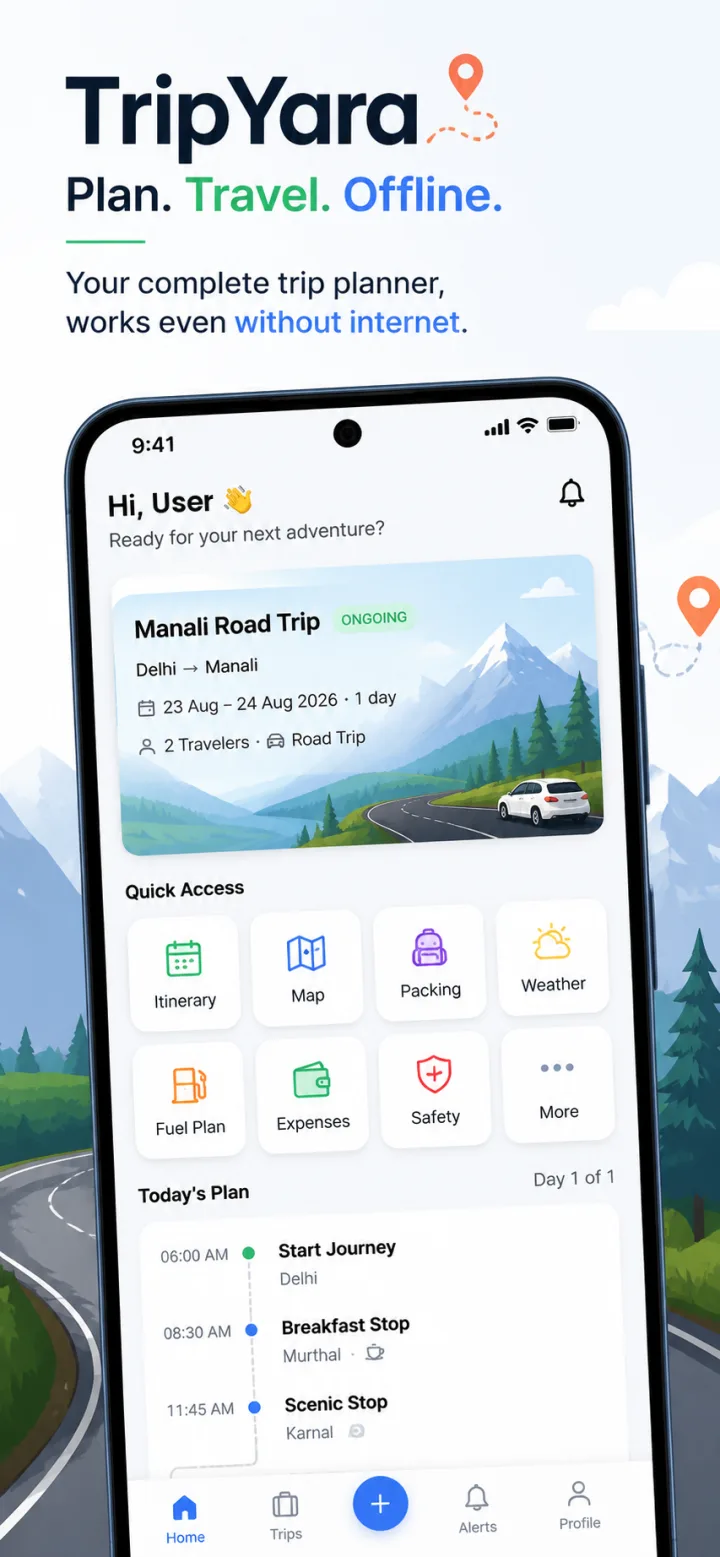
When you open a ready trip while connected, TripYara stores a copy of it on your device.
What's available offline
The full itinerary, day-by-day plan and route details, plus your emergency contacts when you have added them.
Clear about what's saved
Offline Trips shows each saved trip with the date it was saved and how much space it uses.
You stay in control
Remove any saved trip from your phone whenever you like.
What still needs a connection
Being honest about this matters when you are planning around poor coverage. These need internet access:
- Generating a new trip or editing a trip
- Live weather forecasts
- Searching for places and nearby services
- Map tiles and live traffic — TripYara does not currently offer downloadable offline maps, so carry a separate offline map if you need turn-by-turn navigation
Before you lose signal
- Open your trip while you still have network so the latest version is saved.
- Check Profile → Offline Data to confirm it appears with today's date.
- Add emergency contacts so they are saved with the trip.
- Read our checklist for travelling without network.
Keep planning
- Trip planningHow to prepare your trip before you lose mobile networkA practical checklist for mountain and remote trips: what to save on your phone, what to print, and how to plan fuel, cash and emergency contacts before the signal drops.
- DestinationLadakh travel guide for first-time road trippersHigh-altitude desert, long mountain highways and very limited network beyond Leh.
- App featureSafety & EmergencyPreparation, not fear.